
OptinMonster alternative: Pupop compared
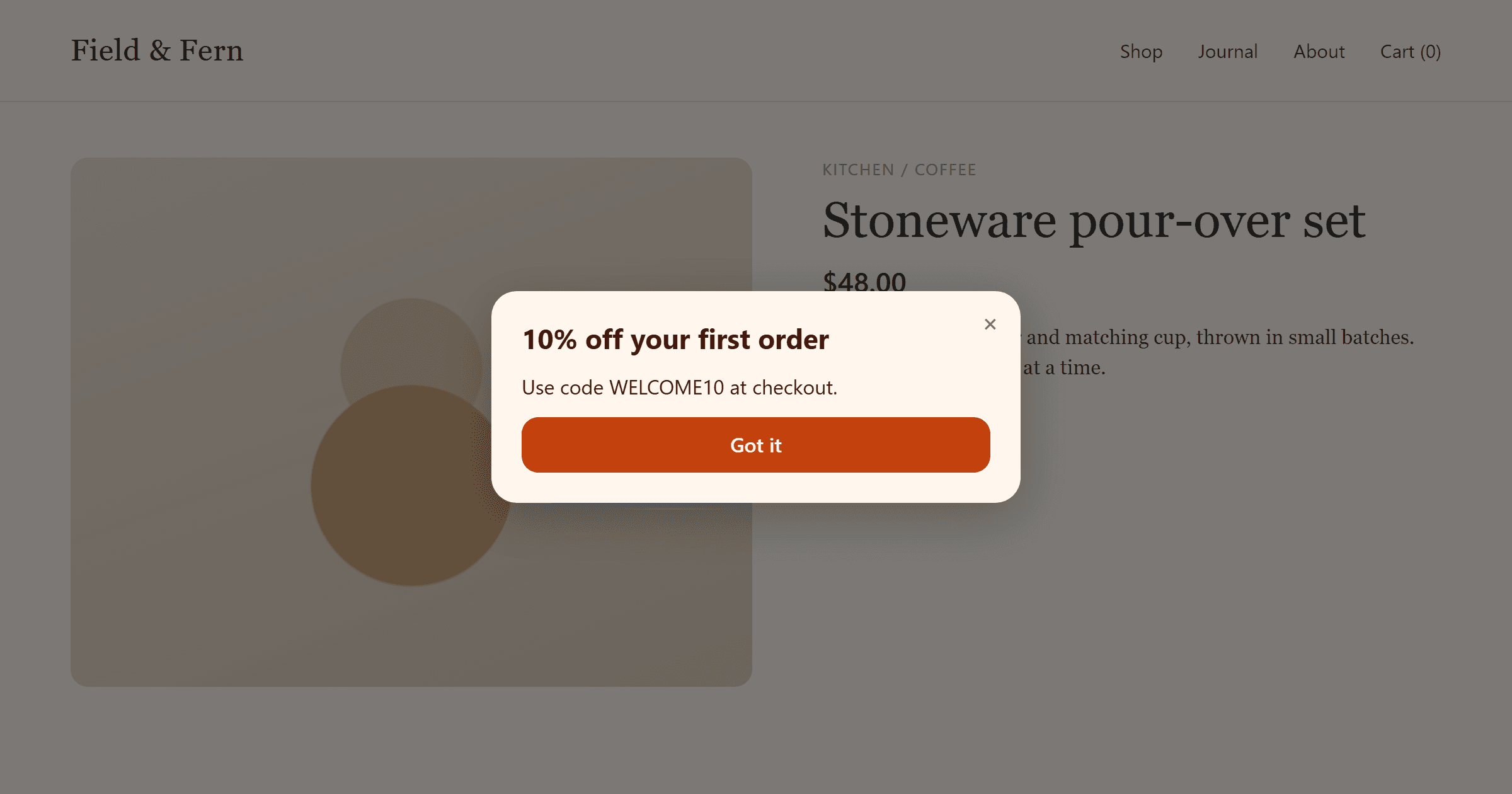
OptinMonster is the bigger toolkit. It has hundreds of templates, more campaign types, A/B testing, geo-targeting and a long list of native integrations. Pupop is the smaller one: lead-capture popups and announcements from a script under 15 KB, with a free plan and every trigger on every plan.
If you run A/B tests, target by country or referrer, or want coupon wheels and countdown timers, stay with OptinMonster. If you want a few well-timed popups, including exit intent, without paying for a tier you only need for one feature, read on.
OptinMonster's prices and features below are from its pricing page, its monthly pricing page and its docs in October 2026. Check them before you decide, since they change.
At a glance
| Pupop | OptinMonster | |
|---|---|---|
| Free plan | 5,000 impressions a month, 1 site, no card | None |
| Cheapest paid plan | $19 a month: 50,000 impressions, 4 sites | $21 a month, or $9 a month billed yearly for the first year: 2,500 impressions, 1 site |
| Yearly renewal | Same price as the first year | Roughly double the first year |
| Refunds | Annual charges, renewals included, within 14 days | 14-day money-back guarantee |
| Exit intent | Every plan, free included | Pro and up, from $37 a month billed yearly |
| Removing the badge | Pro and up, from $19 a month | Pro and up, from $37 a month billed yearly |
| Over the limit | Popups pause until the next month | You're upgraded to the next plan by default |
| Popup formats | Modal and slide-in | Popup, floating bar, fullscreen, inline, slide-in, and gamified on Growth |
| Triggers | Time delay, exit intent, scroll depth, idle, your own code | Time on site, scroll, exit intent, click, inactivity and more, depending on plan |
| Targeting | Page URL and device | Page, device, referrer, cookie, query string, geo-location, new or returning visitor and more, depending on plan |
| A/B testing | No | Plus and up |
| Templates | 8 | 700+ |
| Integrations | Signed webhooks, CSV export, an email per lead | Native email and CRM integrations; webhooks and Zapier on Pro and up |
Pricing
| Plan | Pupop (monthly / annual) | OptinMonster (monthly / first year billed yearly, then renewal) |
|---|---|---|
| Free | $0: 5,000 impressions, 1 site | — |
| Entry | — | Basic, $21 / $108, then $210 a year: 2,500 impressions, 1 site |
| — | Plus, $57 / $324, then $570 a year: 10,000 impressions, 2 sites | |
| Mid | Pro, $19 / $190 a year: 50,000 impressions, 4 sites | Pro, $87 / $444, then $870 a year: 25,000 impressions, 3 sites |
| Top | Business, $49 / $480 a year: 250,000 impressions, 10 sites | Growth, $147 / $804, then $1,470 a year: 100,000 impressions, 5 sites |
Three things stand out.
OptinMonster's features are tiered. Exit intent, removing the OptinMonster badge, webhooks and Zapier all start at Pro. A/B testing and device targeting start at Plus. So the cheapest way to run an exit-intent popup without a badge is Pro, at $87 a month or $444 for the first year. On Pupop, exit intent is on the free plan, and Pro removes the "Powered by Pupop" credit for $19 a month. Every Pupop plan has the same triggers, page rules, device rule and frequency caps. Plans differ only in impressions, sites, webhooks and the credit.
OptinMonster's yearly prices go up at renewal. The yearly price shown on the pricing page is an introductory rate for the first year. Renewal is roughly double: Pro is $444 the first year and $870 after that. Pupop has no introductory prices, so a renewal costs what the first year did. If Pupop's prices change, a subscription that keeps renewing keeps the price it started on, and an annual charge, renewals included, is refunded in full if you ask within 14 days.
What happens at the limit differs. Both count impressions: popups shown, not pageloads. Pupop counts an impression at most once per popup per visitor session. When you reach your plan's limit, Pupop pauses your popups until the next usage period, with no overage charge and no upgrade, and warns you by email at 80%. On OptinMonster's Basic, Plus and Pro, the default when you go over is an automatic upgrade to the next plan. You can switch that to pausing campaigns instead.
Where OptinMonster does more
- More formats. Floating bars, fullscreen overlays, inline forms, content locking, countdown timers and, on Growth, coupon wheels. Pupop has modal popups and corner slide-ins.
- Finer targeting. Referrer, cookie, query string and JavaScript targeting on Pro, and geo-location and new-versus-returning visitors on Growth. Pupop targets by page URL (exact, prefix, keyword or wildcard) and by device.
- A/B testing. OptinMonster can split traffic between versions of a campaign. In Pupop you change one thing at a time and compare click-through rate, or submit rate for a form, across published versions.
- Integrations. Native connections to email, CRM and e-commerce tools, plus Zapier. Pupop sends each lead to a signed webhook on paid plans, emails it to you, and exports to CSV, so you connect other tools through the webhook. If deliveries to the webhook keep failing for a day, Pupop emails you, so leads don't go missing quietly.
- Templates and scheduling. Over 700 templates, campaign scheduling and revenue attribution. Pupop has eight templates, each a starting point you edit.
Where Pupop is different
- Every feature on every plan. Exit intent, scroll depth, idle, page rules, device rules and frequency caps are on the free plan. You upgrade for more impressions and sites, not to unlock a trigger.
- Billing with no surprises. No automatic upgrades, no introductory prices, no card for the free plan, and you cancel from Billing in the dashboard. Your visitors never see anything you didn't publish: no upgrade prompts or limit notices, only the free plan's "Powered by Pupop" credit.
- Exit intent on phones too. Pupop detects exit intent on desktop when the cursor heads for the browser's tabs and address bar, and on phones and tablets from a fast upward scroll. How exit-intent popups work goes into the detail.
- A small script. Pupop's loader is under 15 KB gzipped with no dependencies, and a test in its build fails if it grows past that. If anything goes wrong, it stops quietly and your page carries on.
- No cookies. Frequency caps live in the browser's own storage, so the script sets no cookies on your visitors.
- Styles that can't clash. Popups render in a Shadow DOM, so your site's CSS can't break a popup and a popup can't restyle your site.
- Consent you can prove. Every lead keeps each field with the label it had, plus the exact consent wording the visitor saw and whether they ticked it. The lead reads the same even after you edit the popup.
- Fewer settings. Four triggers, page and device rules, and a frequency cap (always, once per session, or once every few days) cover most lead-capture popups. After a form is sent, the popup closes, shows a thank-you message or goes to a page you choose, and it can stop showing for good to that visitor. There is simply less to set up.
Which should you choose?
Choose OptinMonster if you:
- run A/B tests on your popups;
- target by country, referrer or returning visitors;
- want coupon wheels, countdown timers, floating bars or inline forms;
- want leads to flow straight into a specific email or CRM tool without a webhook.
Choose Pupop if you:
- want exit intent without paying for a higher tier;
- want email capture, discount codes, exit-intent offers, announcements or callback requests, without the extras;
- care about page speed and want a light script;
- would rather your popups pause at the limit than your plan upgrade itself;
- want a yearly price that doesn't double at renewal;
- need a record of the consent each lead gave.
Moving from OptinMonster to Pupop
Add your site in Pupop and start from a template, such as an email capture or an exit-intent offer. Then add Pupop's script tag in place of OptinMonster's embed code, either pasted into your pages' head or through Google Tag Manager, as the install guide shows. Popups can also be shown from your own code with the JavaScript API, much like OptinMonster's click-to-load campaigns. The free plan needs no card, so you can run both side by side on a test page before switching.