
What is an exit-intent popup and when to use it
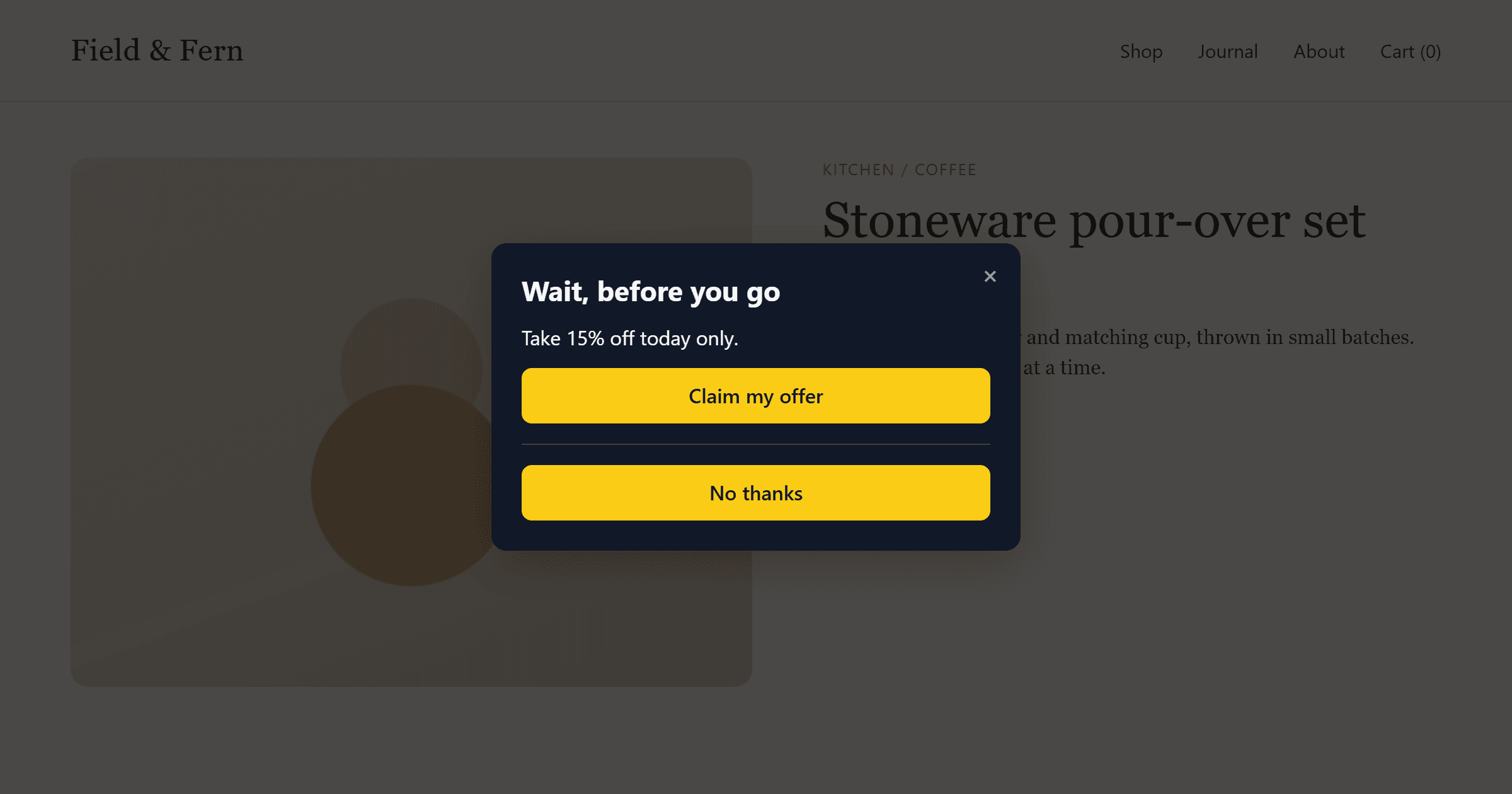
An exit-intent popup waits until a visitor looks like they're leaving, then makes one last offer. Because it stays out of the way while someone is reading, it's one of the few popups that can capture leads without hurting the visit.
This guide covers how exit intent is detected, what's worth showing at that moment, and the settings that keep it polite.
How exit intent is detected
On a desktop, people leave by moving the cursor to the top of the window: toward the tab bar, the address bar or the close button. A script watches for the pointer leaving the page through the top edge and treats that as the signal. The signal arrives before the click, so there's time to show something.
Phones have no cursor, so the signal is different. The usual stand-in is a fast scroll back up. People do that to reach the address bar or to give up on a page. It's a weaker signal than the desktop one, so test it on mobile separately.
What to show when someone is leaving
The visitor has already decided to go, so the popup has one job: give them a reason to stay in touch. Offers that work:
- A discount or free shipping on a product page or at checkout.
- A useful download or newsletter on a blog post: the next thing a reader of that page would want.
- A way to ask a question, such as a WhatsApp chat or a callback request, on pricing or service pages where the visitor might have unanswered questions.
Keep it to one short headline, one field or button, and an obvious way to close. Someone who's leaving won't read a paragraph.
Keep it from annoying people
Exit intent fires on every exit-like movement, so a few limits matter:
| Setting | Why it matters |
|---|---|
| Frequency cap | Show it once per session, or once every few days, so returning visitors don't see it on every page. |
| Page targeting | Leave it off pages where leaving is the goal, such as order confirmations and sign-in. |
| Device targeting | If the mobile version doesn't perform, show it on desktop only. |
When you change the offer, reset the frequency history so people who closed the old offer see the new one.
Measuring it
Track click-through rate: conversions divided by impressions, so the share of people who saw the popup and then submitted or clicked. Comparing popups by raw sign-ups rewards the one shown most, not the one that works best. Run one change at a time, such as the headline or the offer, and give each version enough traffic before you decide.
Setting one up in Pupop
Pupop has a ready-made Exit-intent offer template. Pick it, change the words, and publish. Exit intent works on desktop and on phones (a fast scroll up). You can cap it per session or per number of days, target pages by exact URL, prefix, keyword or wildcard, and choose which devices it shows on. The dashboard shows impressions, conversions and click-through rate for every popup, so you can see whether it's working.